
Buying a new watch is an exciting moment. You want it to last for a long time. Casio is a brand known for making strong and reliable watches. But to keep your watch safe and ensure you get free repairs if something goes wrong, you must do one important thing. You need to complete the Casio Warranty Registration India process. Many people buy the watch and forget this step. This can be a big mistake. If you do not register, you might lose out on extra months of warranty coverage.
This guide will tell you everything you need to know. We will explain how to register your watch online, what papers you need, and why it is so important. We will use simple words so anyone can understand. We want to make sure you have all the facts to protect your investment.
Key Facts at a Glance
Before diving into the details, here are the most critical points you need to know about protecting your timepiece.
- The Golden Rule: You must register your watch within 60 days of purchase to unlock benefits.
- The Bonus: Successful registration grants an extra 6 months of warranty coverage.
- Total Coverage: This extends your standard 2-year warranty to 2 years and 6 months.
- Mandatory Documents: You absolutely need a scanned Warranty Card and Invoice (max 2MB each).
- Processing Time: Expect a confirmation notification within 2-3 weeks after submission.
- Service Perk: Registered users often qualify for free pick-up and drop-off services for repairs.
Ignoring the Casio Warranty Registration India deadline means missing out on free extended protection and convenient home service options.
Why You Should Register Your Casio Watch
When you buy a Casio watch, it comes with a promise from the company. This promise is called a warranty. It means if the watch stops working because of a problem made in the factory, they will fix it for free. But there is a special bonus if you register your watch online.
Standard Warranty vs. Extended Warranty
Every new Casio watch comes with a standard warranty. This warranty lasts for 2 years from the day you buy it. This covers problems that are not your fault. However, if you take the time to register your product on their website, you get more time.
By completing the Casio Warranty Registration India process, you can get an extra 6 months of warranty. This means your total protection becomes 2 years and 6 months. This extended warranty is a free gift from the company, but only if you follow the rules. The rule is simple: you must register within 60 days of buying the watch. If you wait longer than 60 days, you will only get the standard 2 years, and you will lose the extra 6 months.
Peace of Mind
Registering your watch gives you peace of mind. It links your watch to your name in their system. If you ever need to send the watch for repair, having it registered makes the process smoother. It proves that you are the owner and that the watch is still under the protection period. Some sources say that registration is needed to avail of free pick-up and drop-off services for repairs. This means you might not even have to go to the service center yourself. The company can come to your door to take the watch and bring it back when it is fixed.
The Golden Rule: The 60-Day Deadline
The most important fact you must remember is the time limit. You have a window of 60 days from the date of purchase to register your watch. This is not a suggestion; it is a strict rule for getting the extended benefit.
Some people on the internet might say you have 40 days or a different time limit. However, the official rules from Casio India clearly state 60 days. Always trust the official website over random comments. If you buy a watch today, mark your calendar. Do not wait until the last day. It is better to do it as soon as you bring the watch home.
The 6 months extended warranty is linked to this timing. If you register on day 61, the system will likely still let you register the product, but you will not get the extra 6 months. You will only have the basic 2-year cover. So, for Casio Warranty Registration India, speed is key.
Step-by-Step Guide: How to Register Online
The process is designed to be fast and easy. Casio India provides a free warranty service, and the registration is made simple for everyone. You do not need to be a tech expert to do this. Just follow these steps carefully.
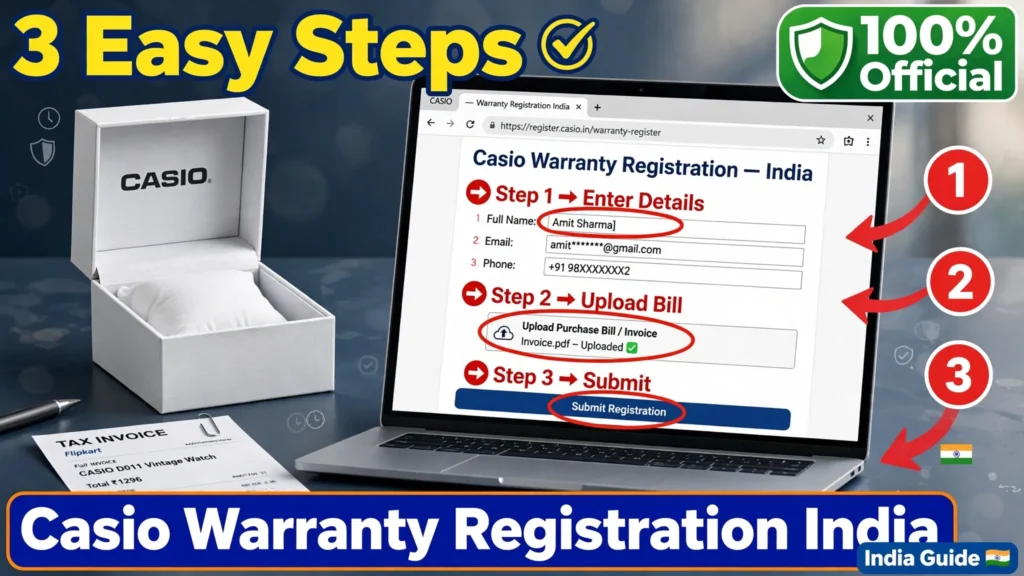
Step 1: User Registration
The first thing you need to do is create a user account or log in. You will need to enter your personal details. This includes your full name, your mobile number, and your email ID.
Why do they need this? Your personal information is required to link the watch to you. The company needs to know how to contact you if there is an update about your registration or if they need to send you a notification that your product is successfully registered. Make sure you type your email and phone number correctly. If you make a mistake, you might not get the confirmation message.
Step 2: Select Store Type
Next, the system will ask you where you bought the watch. You will have to select the store type. The options are usually “Online” or “Offline”.
- Online: Choose this if you bought the watch from a website like Amazon, Flipkart, or the Casio India online shop.
- Offline: Choose this if you walked into a physical shop or a showroom to buy the watch.
This step helps the company understand the sales channel. It does not change your warranty rights, but it is a required part of the form.
Step 3: Verify Serial Number and Enter Purchase Details
This is the most critical step. You will need to look at your watch and the papers that came with it. You must enter the serial number of the watch. The serial number is a unique code that identifies your specific watch. No two watches have the same number.
You will also need to enter the purchase details. This usually means the date you bought the watch and the name of the store. Double-check the date. This date is used to calculate your 60-day window and your 2-year warranty end date. If you enter the wrong date, it could cause problems later when you try to claim a repair.
Step 4: Upload Mandatory Documents
You cannot finish the process without uploading proofs. The system requires scanned copies or clear photos of two specific documents.
- Warranty Card: This is the small card that comes in the watch box. It usually has a stamp from the seller.
- Invoice: This is the bill you received when you paid for the watch. It shows the price, the date, and the store name.
Both of these are mandatory. You cannot skip this. The file size for these documents must be small. The maximum size allowed is 2MB for each file. If your photo is too big, you may need to compress it or take a new photo with lower resolution. Make sure the text on the invoice and the numbers on the warranty card are clear and readable. Blurry images might get rejected.
Step 5: Submission and Confirmation
Once you have filled in all the details and uploaded the files, you submit the form. The product registration steps follow a clear path: User registration, then Product information, then Verification, and finally Submission.
After you submit, you do not get an instant “Yes”. The warranty registration process takes 2-3 weeks for confirmation. You will receive a notification once the product is successfully registered on the website. Be patient during this time. The team is checking your documents to make sure everything is correct. If there is a problem, they might contact you using the email or phone number you provided.
Documents You Need to Keep Safe
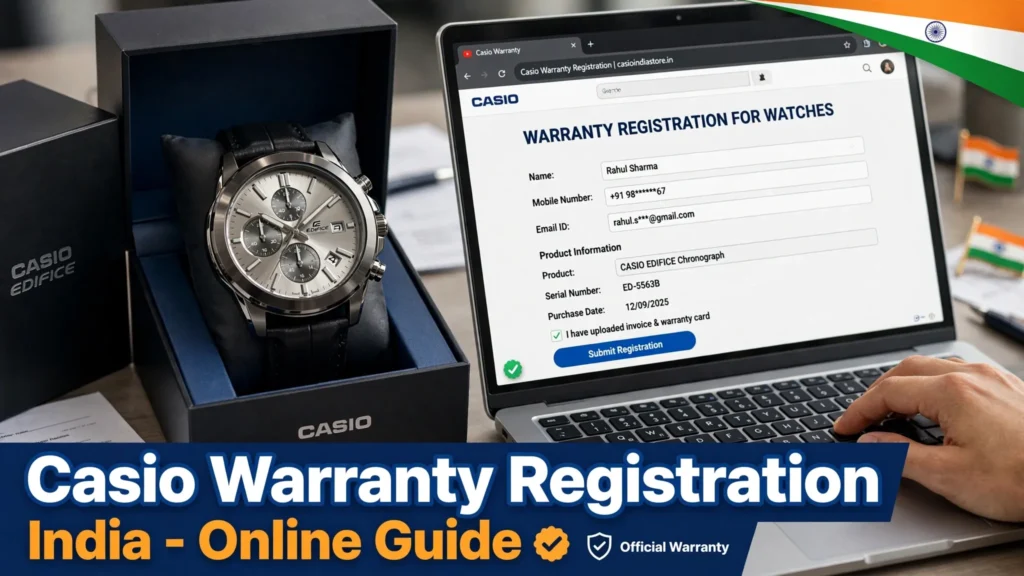
To make your Casio Warranty Registration India successful, you must have the right papers. Without these, you cannot register, and you cannot claim warranty later.
The Invoice
The invoice is your proof of purchase. It proves when you bought the watch and how much you paid. Official sources say that to claim warranty, you must produce the original bill copy or invoice at authorized service centers. Even if you register online, you must keep the physical paper safe. If you lose the invoice, it becomes very hard to prove that the watch is still under warranty.
The Warranty Card
The warranty card is a document provided by the company. It often has terms and conditions printed on the back. You need to scan this card during registration. Some third-party sites mention that you might need identity proofs like an Aadhaar Card or PAN Card. However, the official Casio guide focuses mainly on the Warranty Card and Invoice as the mandatory documents. It is always good to have your ID ready just in case, but the primary requirements are the purchase proofs.
File Size Limits
Remember the technical limit. When you scan or photograph your documents, ensure the file size is not more than 2MB. Modern phones take very high-quality photos that can be 5MB or 10MB. You may need to reduce the quality slightly to upload them. The quality should still be good enough to read the text, but the file size must be under the limit.
Understanding Your Warranty Coverage
It is important to know what your warranty covers and what it does not. This avoids disappointment later.
What Is Covered?
The warranty covers manufacturing defects. This means if the watch stops working because of a mistake made when it was built, Casio will fix it. For example, if the digital display stops working or the buttons stop responding without any drop or water damage, it is likely a manufacturing defect.
During the warranty period, Casio provides free pick and drop services from your doorstep for manufacturing defects. This is a great service. You do not have to travel to the service center. They will arrange to pick up the watch from your home and deliver it back after repair. This service is available except in some restricted areas.
Also, battery replacement is free during the first year if it is part of the warranty service. Batteries usually last longer, but if yours dies very soon, it is covered.
What Is Not Covered?
There are some things the warranty does not cover. These are called exclusions.
- Water Damage: Even if a watch says it is water-resistant, if water gets inside and damages it due to misuse (like pressing buttons underwater when not allowed), it is not covered.
- Physical Damage: If you drop the watch, crack the glass, or bend the case, this is physical damage. The warranty does not cover accidents.
- Normal Wear: Over time, the strap might get worn out, or the color might fade slightly. This is normal wear and tear and is not covered.
If your watch has physical damage, you can still send it for repair, but you will have to pay for it. The warranty is only for defects that are the company’s fault, not accidents that are the user’s fault.
| Coverage Type | Included? | Notes |
|---|---|---|
| Manufacturing Defects | Yes | Free repair or replacement |
| Battery Replacement | Yes | Free only in the first year |
| Water Damage | No | Unless proven to be a seal defect |
| Physical Damage | No | Drops, cracks, bends are excluded |
| Normal Wear & Tear | No | Strap wear, color fading |
| Pick-up/Drop-off | Yes | Free for registered users (defects only) |
If you face issues with Casio Warranty Registration India or need to claim a repair, contact the official helpline. Call 1800-103-7780 (toll-free) or email register@casio.co.in for registration help. For service queries, write to service@casio.co.in. Their team can clarify if your specific issue is covered under warranty. Keep your invoice ready when you call.
The Service Process: How to Claim Repair
If your watch stops working, here is what you should do. First, check if it is a manufacturing defect. If you think it is, and you are within the warranty period, you can request a pickup.
Booking a Pickup
To use the free pickup service, you need to go to the support website. You will need to provide pickup and delivery address details. You must select the product issue, such as “battery replacement” or “manufacturing defect”.
You will also need to upload proof of purchase again, including the warranty card and invoice. This is to verify that you are eligible. Before the pickup happens, product information verification is required. This means they check your details one more time.
Payment and GST
If the repair is not covered (for example, if it is physical damage), you will have to pay. The system will show a payment summary with GST calculations. But if it is a valid warranty claim, the cost should be zero. The warranty applicability is confirmed after a physical inspection of the watch by the service center. This means they will look at the watch closely when they receive it to ensure there is no hidden water damage or physical harm.
Incorrect Information Warning
Be very careful when you fill out your address. If you provide incorrect information, you might be held liable for transport charges. This means if the courier cannot find your house because you gave the wrong address, you might have to pay for the failed delivery attempt. Always double-check your address and phone number.
Common Questions About Casio Warranty Registration India
Here are some common questions people ask about the process.
Can I register if I bought the watch from Flipkart or Amazon?
Yes. You can register watches bought from online stores like Amazon or Flipkart. The steps are the same. You just select “Online” as the store type. Amazon product pages even remind you to register your product on the Casio website to get the 6 months additional warranty.
What if I lost my warranty card?
The scanned copy of the warranty card is mandatory for registration. If you lose it, it might be difficult to register. You should contact the store where you bought it to see if they can give you a duplicate or a letter. The invoice is also mandatory, so keep that safe at all costs.
Is the warranty valid outside India?
No. The warranty is valid only in India. If you take your watch to another country, the Indian warranty may not work there. You would need to check with Casio in that specific country.
How long does the whole process take?
Filling out the form takes only a few minutes. However, getting the confirmation takes time. The warranty registration process takes 2-3 weeks for confirmation. So, do not worry if you do not hear back immediately.
What email should I use for help?
If you face any technical issues while registering, you can send an email to the support team. The support email is register@casio.co.in. They can help you if the website is not working or if your documents are getting rejected.
Tips for a Smooth Registration Experience
To make sure your Casio Warranty Registration India goes smoothly, follow these tips.
- Do It Immediately: Do not wait. As soon as you buy the watch, open the box, find the card and bill, and register. This ensures you do not miss the 60-day deadline for the extended warranty.
- Check File Sizes: Before you start uploading, check the size of your photos. If they are over 2MB, resize them. This prevents upload errors.
- Clear Photos: Take photos in good light. Make sure the serial number on the watch and the date on the invoice are very clear. Blurry photos lead to rejection.
- Save Confirmation: Once you get the notification that your product is successfully registered, save that email or take a screenshot. Keep it with your invoice. This is your digital proof.
- Verify Details: Before hitting submit, read everything. Check your name, email, and serial number. Incorrect information can lead to problems later, including having to pay for transport if the address is wrong.
Why the Exclusive Membership Pack Matters
When you register, you might hear about an “Exclusive Membership Pack”. The 6 months extended warranty is linked with this pack. This pack can be purchased within 1 year of the original purchase if you missed the initial free registration window, but to get it for free, you must register within 60 days. This membership enhances your ownership experience. It ensures that you are recognized as a valued customer. It also unlocks the free door-step service for repairs, which is a huge convenience. Imagine not having to leave your home to get your watch fixed. This is the benefit of being a registered member.
Return and Cancellation Note
Sometimes, you might want to return the watch instead of registering it. If you bought it from the Casio India online shop, the return process requires you to log in and access the order tab. If the product is damaged, video documentation is recommended. Also, the product must be unopened to be eligible for a simple return. However, if you have opened it and found a defect, registration and warranty claim is the right path, not a return. Registration is for keeping the watch and protecting it for the future.
Final Thoughts
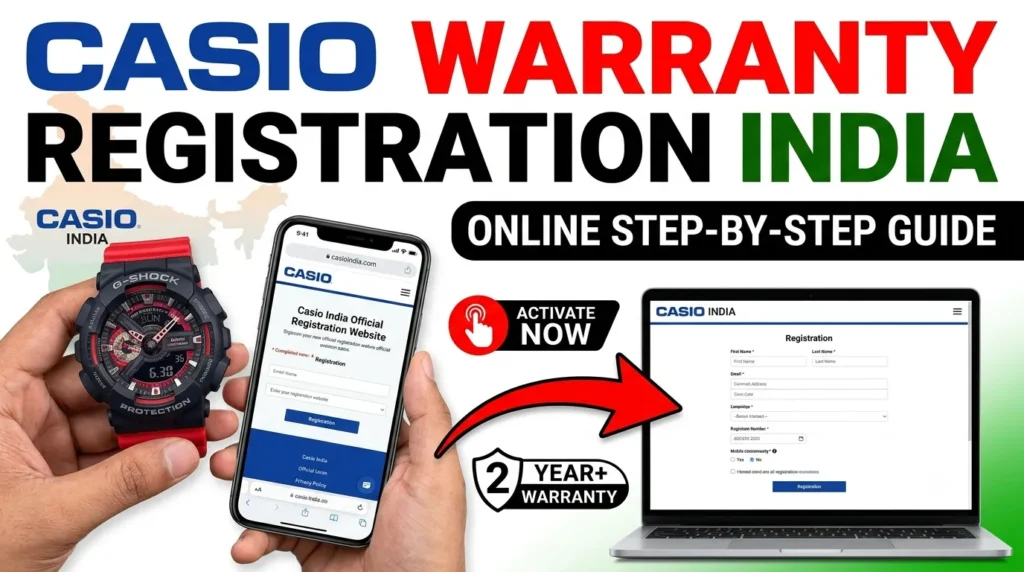
Owning a Casio watch is great. They are tough, stylish, and reliable. But the best way to enjoy your watch is to know it is protected. The Casio Warranty Registration India system is simple, free, and very beneficial. It gives you an extra 6 months of coverage and access to convenient home services.
Do not let the fear of a complicated process stop you. It is just a few clicks. Gather your invoice and warranty card, go to the website, and fill in the details. Remember the 60-day rule. Keep your language simple and your details accurate. By doing this, you ensure that your watch remains a happy companion for years to come. If you ever have trouble, remember the support email is there to help you. Protect your watch today, and enjoy the freedom of a full warranty tomorrow.
Limitations & Unknowns
While I have covered the all official processes, a few specific details remain unclear based on available public data:
- Exact Pickup Booking Steps: The precise clicks required to book a pickup after registration are not fully detailed in public guides, though the requirement to upload proof again is noted.
- CASIO ID Specifics: The exact nature of a “CASIO ID” (whether it is a generated number or just your email) is not explicitly defined beyond being part of the user registration.
- Conflicting Timelines: Some user reports mention a 40-day window, but official documentation strictly cites 60 days. We recommend adhering to the official 60-day rule to be safe.
- Extended Warranty Activation: Detailed steps on how the “Exclusive Membership Pack” is technically activated post-registration are not publicly broken down beyond the automatic linkage upon timely registration.